Courses: teaching online
Put your course online, charge for it, track progress and issue certificates. It shares one member list and one payment setup with the cart.
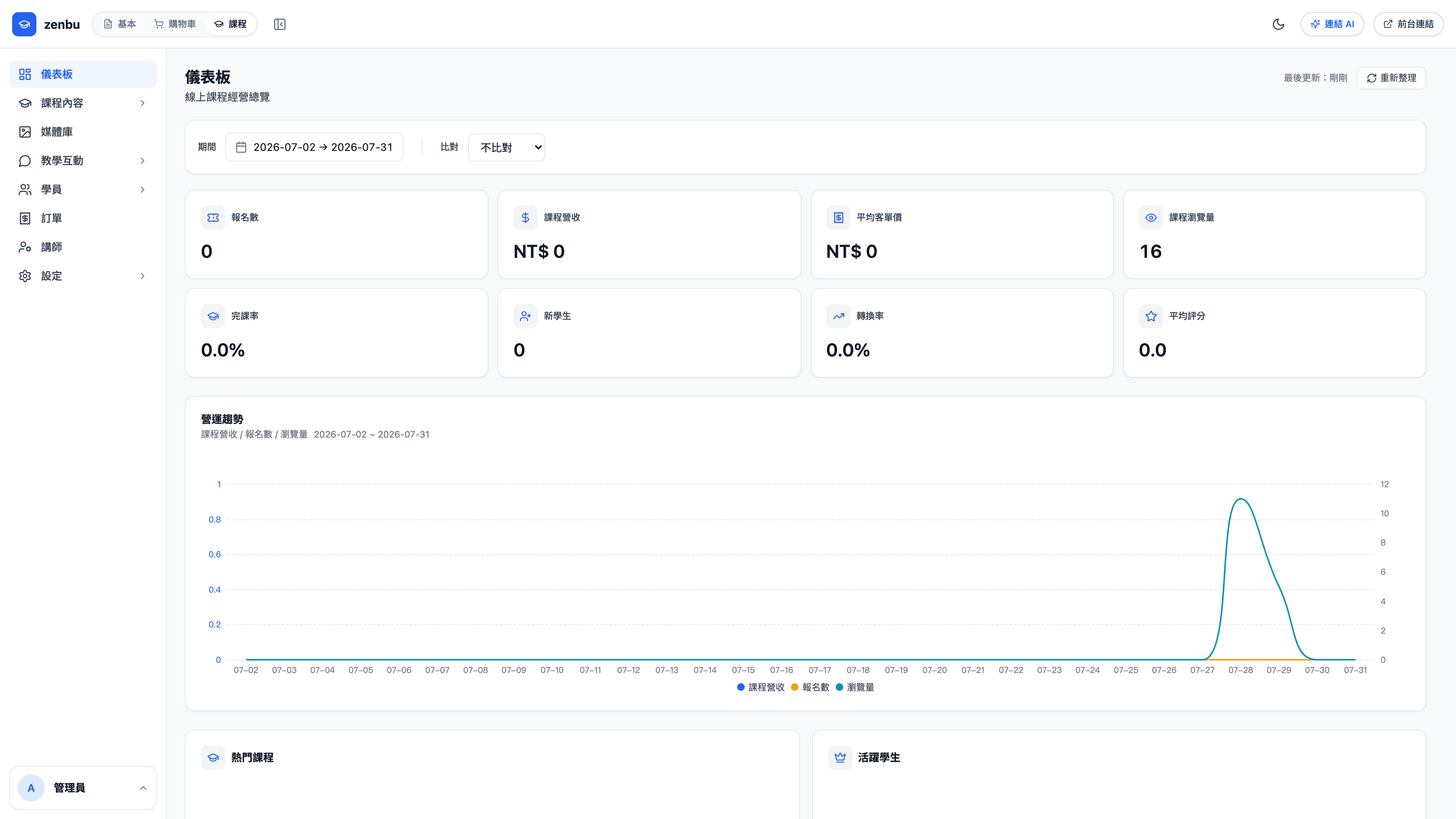
What's in this section
| Feature | What it does |
|---|---|
| Course content | The course itself — chapters and lessons, video, materials |
| Sales plans | Different ways to sell one course (single chapter, full course, subscription) |
| Students | Who bought what, and how far they've got |
| Enrollments | Enrollment records and access status |
| Instructors | Instructor profiles and revenue share |
| Orders | Course purchase records |
| Assignments | Work submitted by students, and grading |
| Discussions | Questions and replies under each lesson |
| Reviews | Course ratings and written feedback |
| Certificates | Completion certificate design and issuance |
| Announcements | Messages pushed to every student |
| Settings | Payments, email, tracking, watermarking |
Question: Do courses need their own payment setup?
No. Courses share the same payment configuration as the cart. Course-specific rules (invoice details, refund windows) can be adjusted separately under course settings.
Question: Can the videos be downloaded?
Course settings includes a watermark feature that overlays the student's name or email on the playing video. It won't stop someone screen-recording, but it makes the source traceable if the video leaks — which in practice is a strong deterrent.