Members
The people registered on your site. Cart "customers" and course "students" are all this same list underneath.
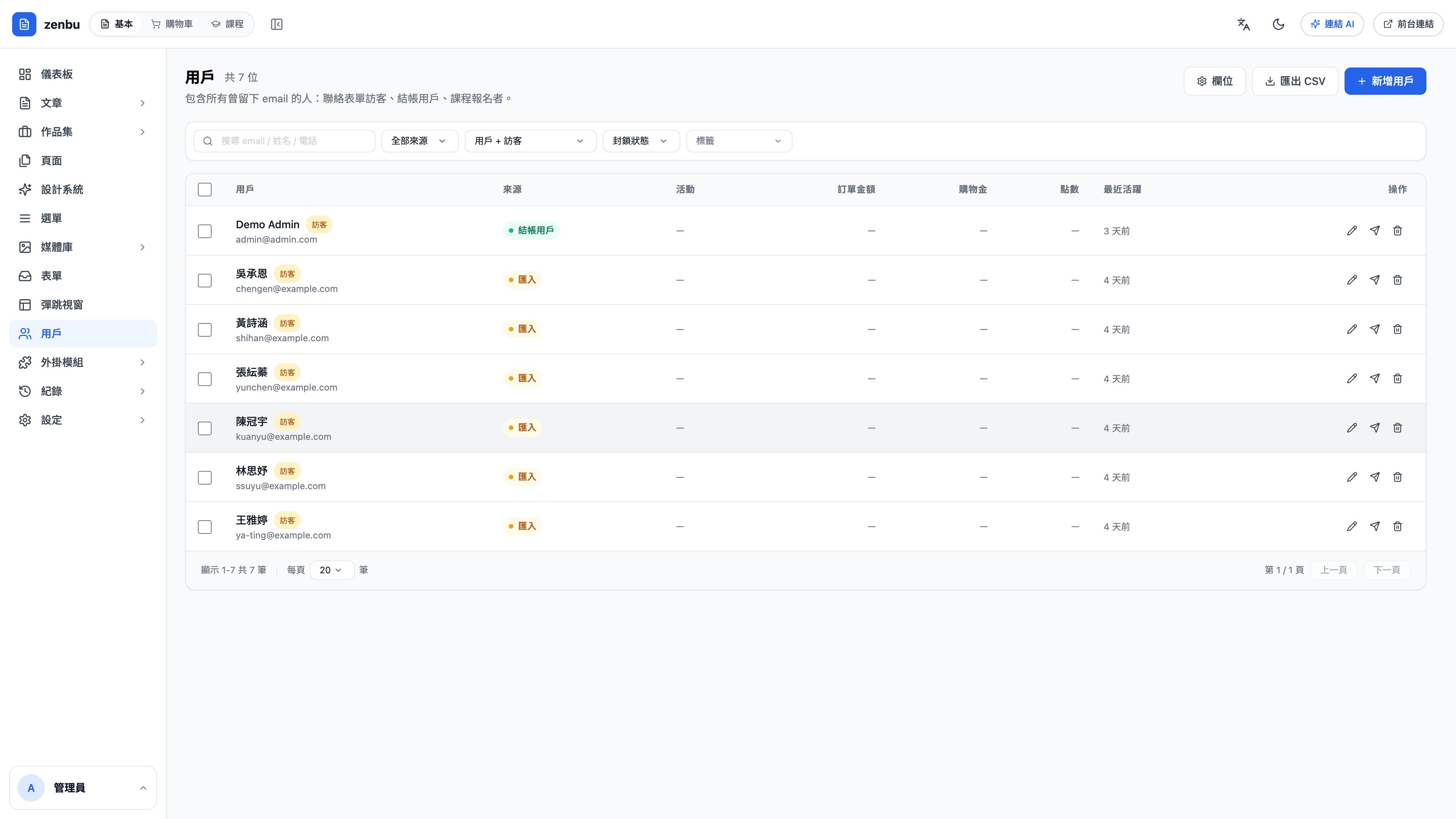
What you see on a member
- Profile details and how they registered
- Order history (from the cart)
- Course enrollments and progress (from courses)
- Form submissions
- Any internal notes you've added
This is exactly why the three modules sit in one admin — there's only one complete picture of a person.
Question: Can I create an account for a customer manually?
Yes. This suits cases where you closed the sale offline and need to grant course access. Once created, the system emails them a link to set their password.