Articles
Your blog and knowledge columns live here. This is the easiest place to earn organic traffic.
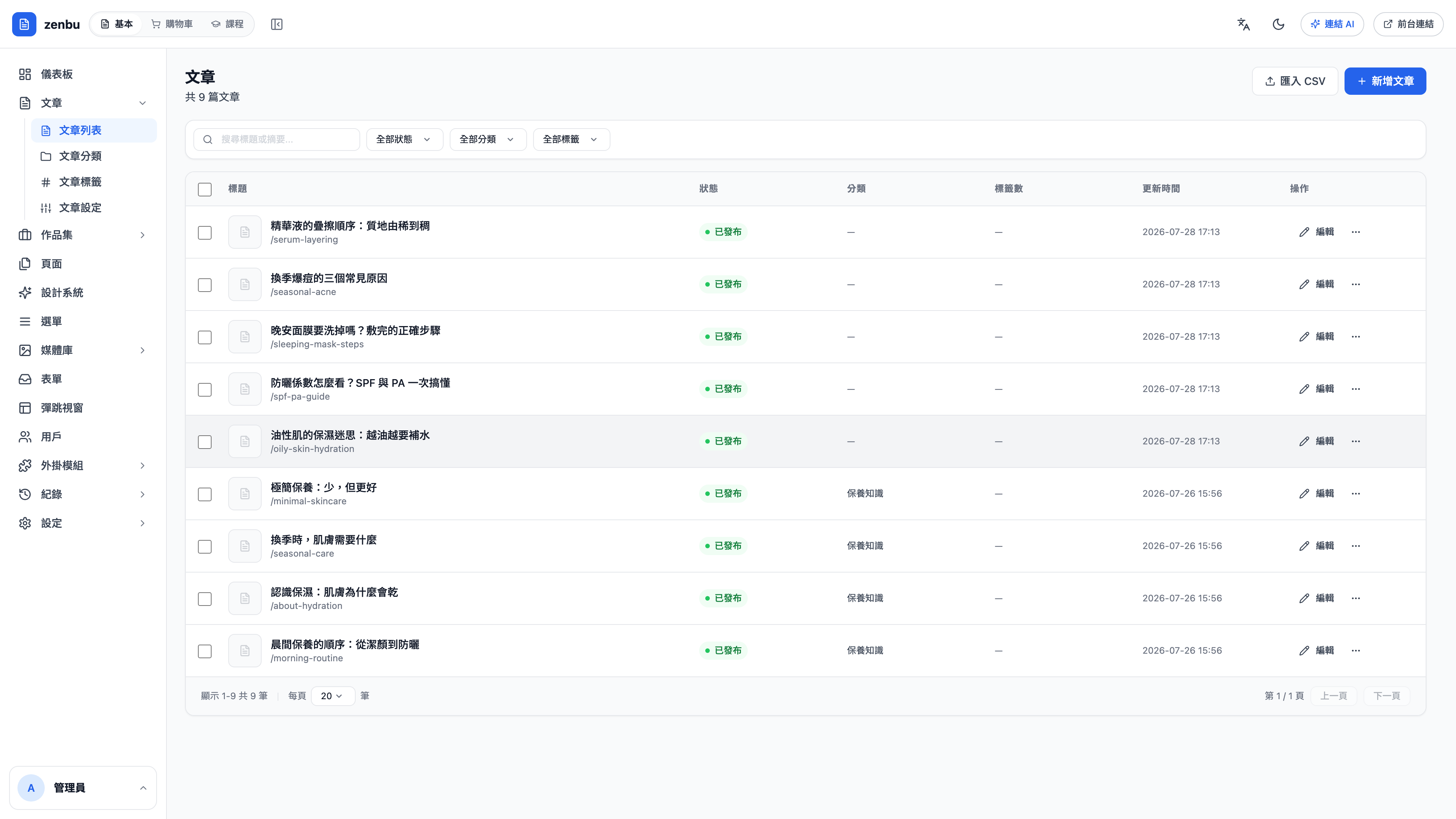
What the list shows
Title and slug, status (published / draft), category, tags, and last updated. You can filter by status, category and tag from the controls above, and search titles and excerpts.
Creating an article
- New article, top right
- Fill in the title and the slug — use the Latin alphabet for slugs; non-Latin slugs can leave the detail page unreachable in some situations
- Write the content (both live preview and HTML modes are supported)
- Set the category and tags
- Add an excerpt — the listing page and share cards use it
- Choose a status: a draft is visible only to you; only published articles appear on the public site
Use Latin-alphabet slugs
Non-Latin slugs can cause the detail page to 404 in some situations. Set a Latin slug when you create the article — serum-layering, not the article title written out in Chinese.
Categories vs. tags
| Category | Tag | |
|---|---|---|
| How many per article | Usually one | Several |
| Hierarchical | Yes (sub-categories allowed) | No |
| Gets its own page on the public site | Yes | Yes |
| Best used for | Broad topics (skincare know-how, brand story) | Cross-cutting keywords (sun care, sensitive skin) |
Question: Will renaming a category break the old URLs?
Yes. A category's URL is built from its slug, so changing the slug 404s the old links. If that category already has inbound links from elsewhere, add a 301 under Settings → Redirects once you're done.
Bulk import
Import CSV sits at the top right of the list — useful when migrating from an old site. Check that your columns line up before importing: title, slug, content, category, publish status.