Conversion events
This page lets you report what clients do at your business back to Facebook and Instagram, for ad optimization. It sounds technical, but it's groundwork that every modern e-commerce and service business does.
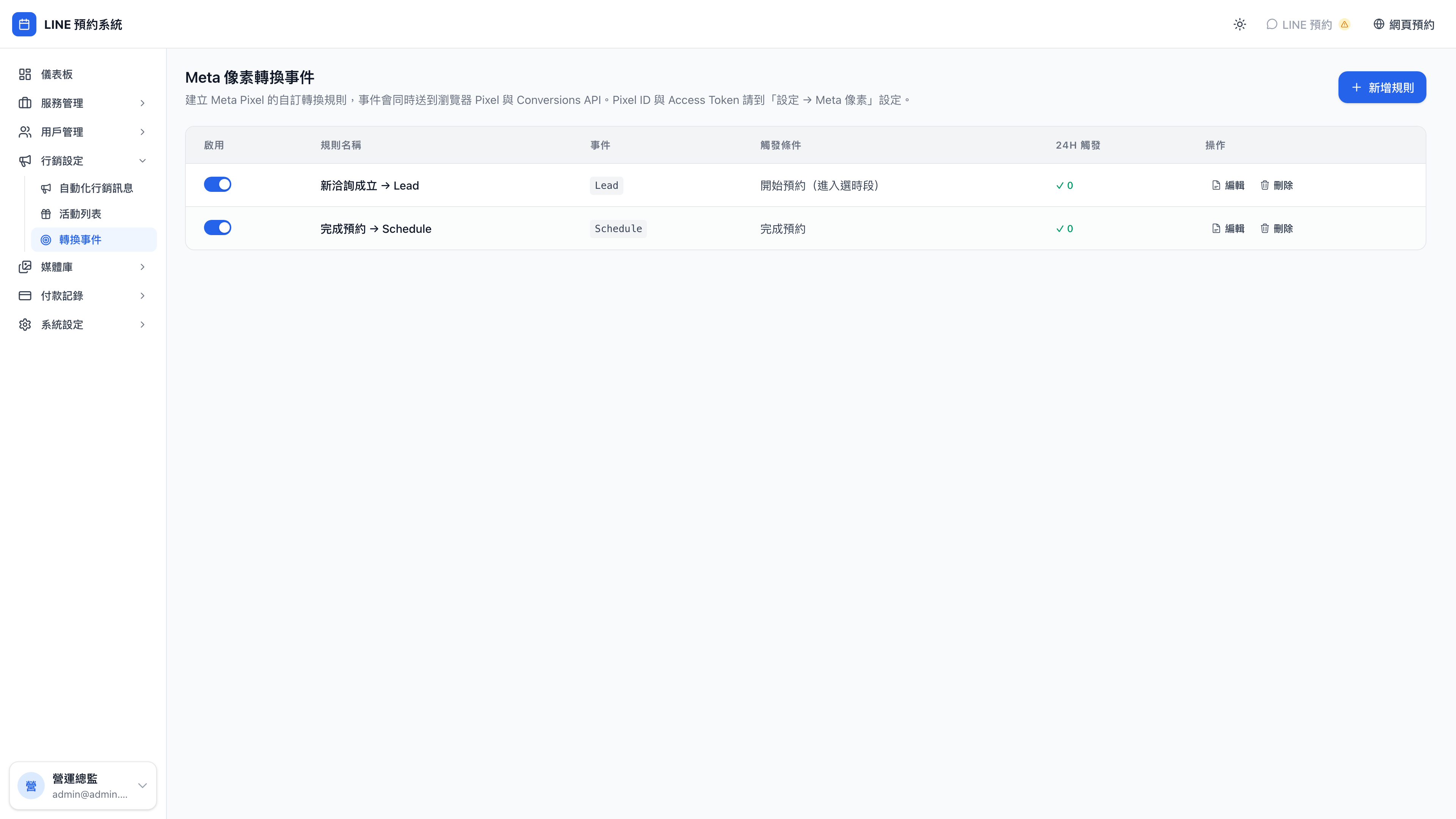
Opening a rule shows its full trigger conditions and deduplication settings:
Why bother?
Use case: with and without
Without it: you run a Facebook ad for "business model review, 20% off", spend 5,000 and get 100 clicks. You know 100 people clicked, but not how many actually booked. Meta's algorithm doesn't know either, so it shows your ad to whoever vaguely looks interested.
With it: the same 5,000 spend, but you've enabled a "booking completed" conversion event. The system tells Meta that 3 of those 100 clicks booked, who they were, and how much they spent. With that data, Meta's algorithm goes looking for people who resemble those 3 next time.
The second campaign returns 3–5 times the first. That's what conversion tracking is worth.
Any business advertising on Facebook or Instagram needs this — counseling practices, cram schools, aesthetics clinics, online courses, personal trainers, any appointment-based service.
First, understand: you need two Meta tools
- Meta Pixel — a snippet of code on your web pages, tracking browser behavior (who opened the booking page, who pressed the book button)
- Conversions API (CAPI) — sends events to Meta directly from the server, tracking what a browser can't see (that a booking genuinely completed, that a service was delivered)
Question: Do I really need both? Isn't Pixel enough?
Using both is strongly recommended. The reasons:
- Modern browsers (iOS Safari, Brave) and ad blockers block Pixel, so events never arrive
- CAPI is server-to-server and can't be blocked
- Together they reinforce each other and improve data accuracy
With Pixel alone you may miss 20–40% of behavior. Given how common iOS is now, Pixel alone means seeing about half the truth.
Setup
Configure Meta Pixel first
On the Meta Pixel tab under system settings, enter:
- Pixel ID (numeric, from Meta Ads Manager)
- Conversions API token (a string, from Meta Events Manager)
- Test event code (for debugging; optional)
Note: the Conversions API token is encrypted
The system encrypts this token with AES-256 before storing it, so even someone who steals the database file can't read it in the clear. That's standard practice for keeping sensitive values from leaking.
The one requirement: your server's APP_SECRET environment variable must be a strong random value (which is the developer's or deployer's concern, not something to manage from the admin).
Create a conversion rule
Each rule maps what event, triggered by what, sent to Meta under what event name.
The system supports nine triggers:
| Trigger | Meta's suggested event name | When it happens |
|---|---|---|
| Home page viewed | ViewContent | The client opens your LIFF home page |
| A service selected | ViewContent | The client opens a service detail page |
| Booking started | InitiateCheckout | The client reaches slot selection |
| Payment started | AddPaymentInfo | The client reaches payment selection |
| Booking completed | Schedule | The booking was created successfully |
| Service completed | Purchase | The booking status changed to completed |
| Reached N cumulative bookings | Custom event | The client's total bookings hit a threshold |
| Booking cancelled | Custom event | A booking was cancelled |
| Birthday gift claimed | Custom event | The birthday campaign fired |
The rules to start with
You don't need all nine. The recommended minimum:
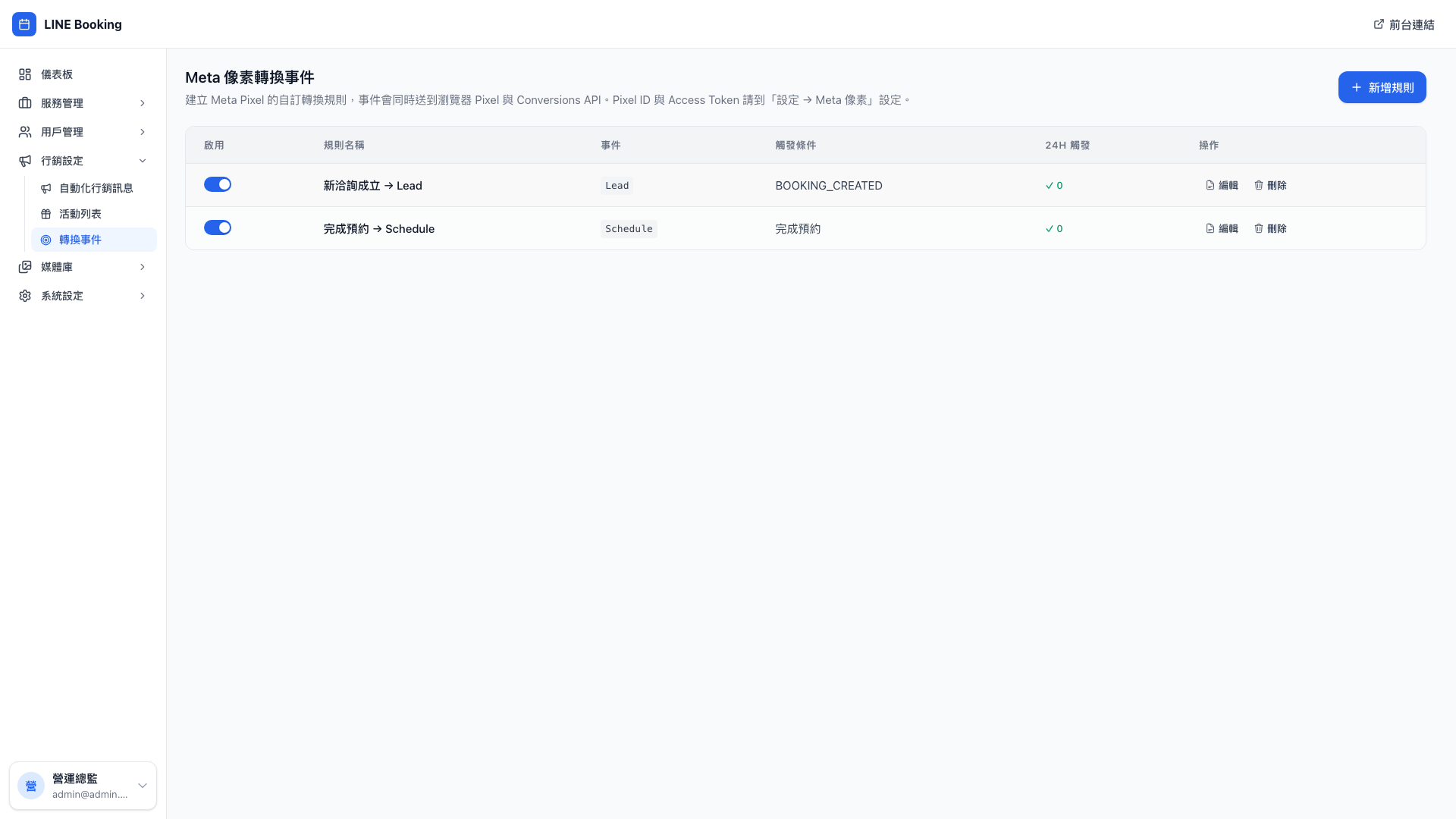
- New booking created → Lead (preconfigured in the demo data)
- Booking completed → Schedule (preconfigured in the demo data)
- Service completed → Purchase (with the service price attached as the conversion value)
Those three are the core. Lead means "someone is interested", Schedule means "the client committed", Purchase means "the money is in" — and Meta's algorithm can optimize effectively once it sees all three.
Use case: different ad objectives, different events
- Ads for people meeting you for the first time: optimize for Lead or Schedule. Meta finds people who will book.
- Ads to win back past clients: optimize for Purchase (service completed). Meta finds people who buy repeatedly.
- Very early brand awareness: optimize for ViewContent. Meta finds people who actually read your content.
One set of rules serves every campaign — configure all nine events here once, and pick whichever you need on the ad side.
Deduplication
The same event firing repeatedly in a short window is treated by Meta as suspect data and downweighted. So each rule can set:
- A deduplication window (fires once within N seconds / minutes / days)
- A deduplication scope:
- Per user (one person counts once within the window)
- Per user + per booking (one person's one booking counts once)
- Per user + per service (one person counts once per service)
Question: How should I configure the "booking completed" rule?
The recommendation: scope = per user + per booking; window = 1 day.
Why? The same client booking brand consulting today (one event) and a business model review for next month (another event) should produce one Schedule event each, since they're independent bookings. But if the system accidentally fires twice for one booking (a network hiccup and a retry), deduplication catches it and counts once.
That combination is the safest default and can be used as-is.
Note: events are sent with a deliberate delay, per Meta's rules
Meta doesn't allow "a ViewContent event 0.01 seconds after the page opens" — that's flagged as anomalous. The system adds a reasonable delay automatically (usually 1–3 seconds) so the data resembles genuine user behavior.
This is handled automatically and needs no attention from you, but don't try to hard-code your way around it.
The event send log
Opening a rule shows how many times it fired in the past 24 hours. If a rule that should fire 50 times a day is only firing 5 times, something is wrong — perhaps the conditions are mis-set, or Pixel isn't installed on part of the site.
Don't publish screenshots of your CAPI token or Pixel ID
If either leaks, someone can forge events to Meta and pollute your advertising data. Mask them in any screenshot or support conversation.
If you suspect a leak, regenerate the token immediately in Meta Events Manager and update it here in system settings.