Admins
Managing who can sign in to the admin.
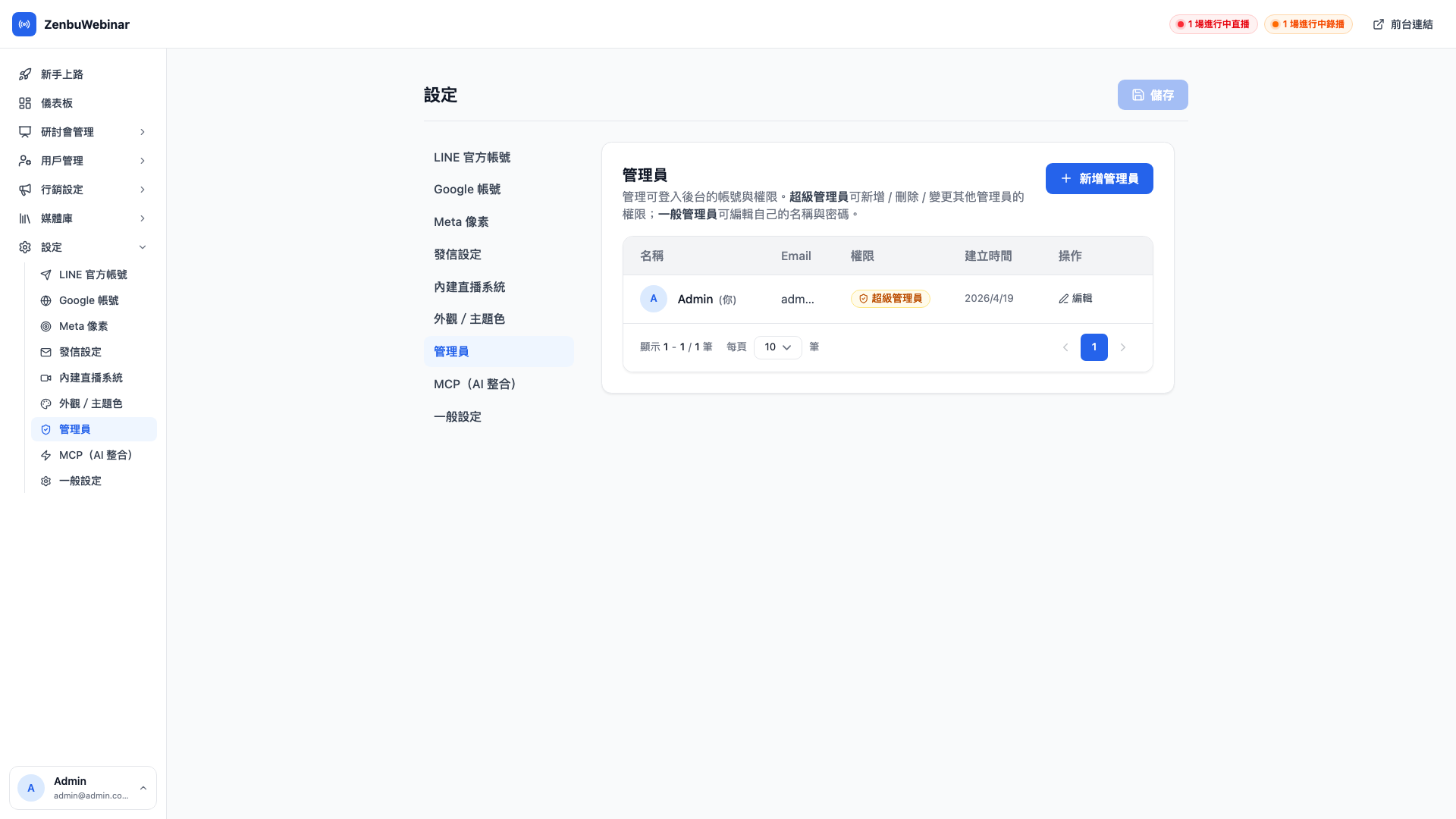
Note: only super admins can open this page
Ordinary admins are blocked. If you need to add a colleague or change permissions, ask your super admin.
The two roles
| Role | What they can do |
|---|---|
| Super admin | Everything in the admin, plus adding, removing and editing other admins |
| Admin | Everything except adding, removing and editing admins; they can only change their own name and password |
Question: How many super admins should I keep?
At least two. If your only super admin forgets their password, leaves the company or leaves the team, nobody can reset it and Zenbu technical support has to step in.
Question: Does the system stop everyone becoming an ordinary admin?
Yes. There's an invariant that the last remaining admin must be a super admin:
- Trying to demote the last super admin to an ordinary admin is refused
- If you're the only admin in the system, you are treated as a super admin in practice, regardless of whether the database says super or admin
- Deleting the last remaining admin is also refused
This guarantees there is always someone who can add admins, and prevents the dead end of "everyone is an ordinary admin → nobody can promote anyone → permanently locked out".
Adding an admin
- Click New admin, top right
- Fill in:
- Email (used to sign in)
- Name (shown in the bottom left)
- Initial password (use a temporary one and have them change it after their first sign-in)
- Role
- Save
Give them the credentials and they can sign in with them.
Resetting a password
Click Edit beside the account → enter a new password → save. The old password stops working.
Use case: a colleague leaves
On their last day, go to the Admins page and delete their account — don't merely disable it, delete it. That way, even if they still remember the password, they can't sign in.
If they're only away temporarily, the same approach works: delete the account and create it again when they return. Simpler than a disable/enable cycle.
Third-party integrations are per admin
Each admin account has its own:
- Google authorization (YouTube, Meet)
- Bunny Stream / Storage keys (the underlying storage for video and images, managed centrally by the platform)
Google authorization is not shared — each admin's YouTube channel is authorized by them, and colleagues shouldn't be streaming to it. Every admin completes their own link under Settings → Google account after signing in. See the Google account page.