Signing in
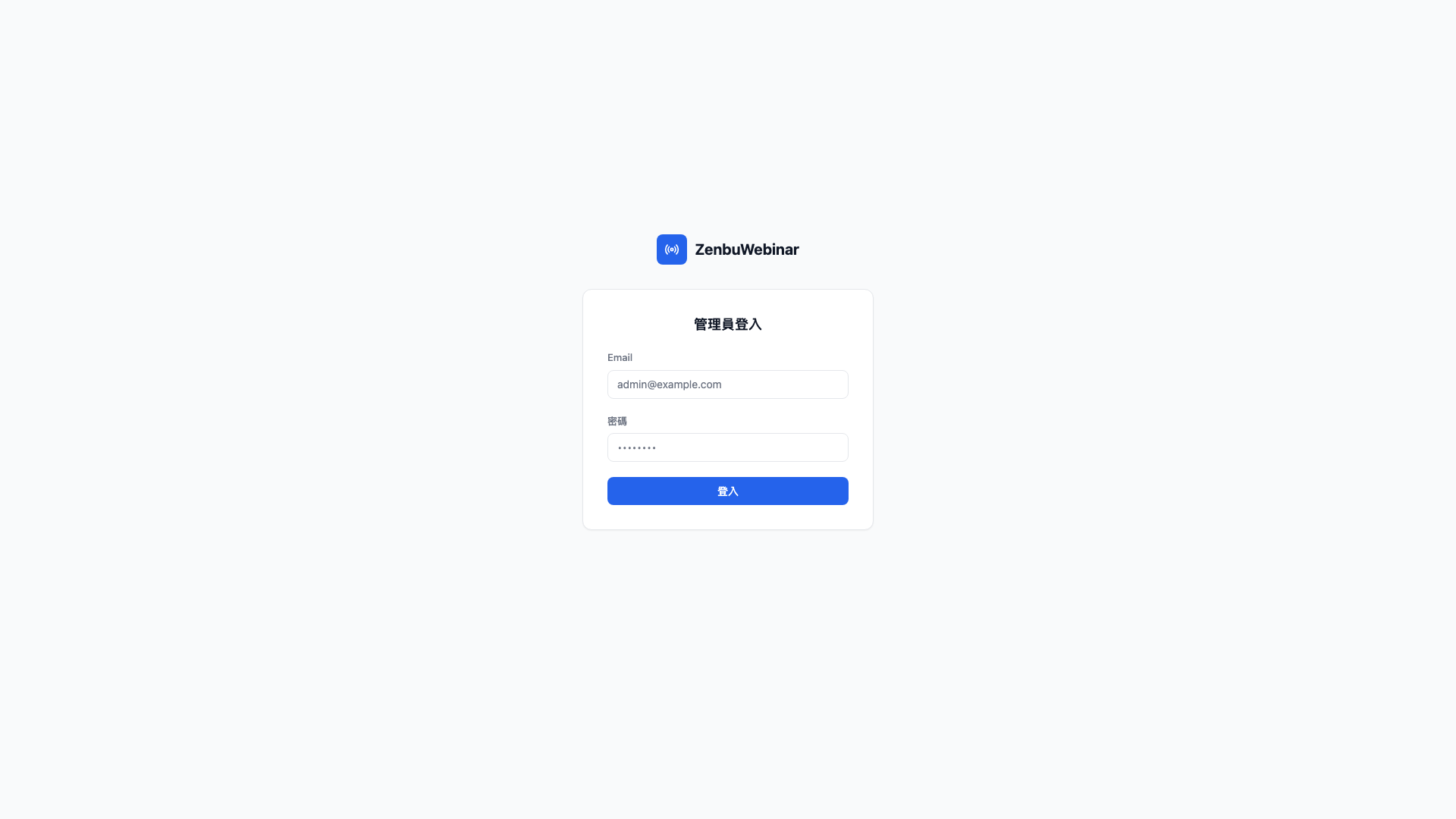
The admin sign-in URL is /signin. Open it in a browser and enter your admin email and password.
The two admin roles
| Role | What they can do |
|---|---|
| Super admin | Everything in the admin, plus adding and removing other admins |
| Admin | Everything except the admin accounts page |
Question: Where does the first account come from?
When you first receive the admin, Zenbu creates a super admin account for you and gives you the credentials. Accounts for your colleagues are then added by you under Settings → Admins, where you also decide whether each one is a super admin or an ordinary admin.
Forgotten password
The system has no self-service password reset — worth remembering that this feature is itself a commonly abused weak point.
- If you're an ordinary admin → ask your super admin to reset it under Settings → Admins.
- If you're the super admin → contact Zenbu technical support, who can help directly from the database.
What you see after signing in
A successful sign-in takes you straight to Webinar management → Sessions.
The blue sidebar on the left is the main menu, top to bottom:
- Dashboard — the state of the business at a glance
- Webinar management — sessions, live messages, signup lists
- User management — everyone who has added you as a friend, and user tags
- Marketing — message automation, ad tracking events
- Media library — pre-recorded video, image assets
- Settings — LINE / Google / Meta and other integrations, appearance, admins