Newsletter integrations
Once a registrant leaves an email address, it syncs automatically to the newsletter platform you already use — no exporting a CSV and importing it each time.
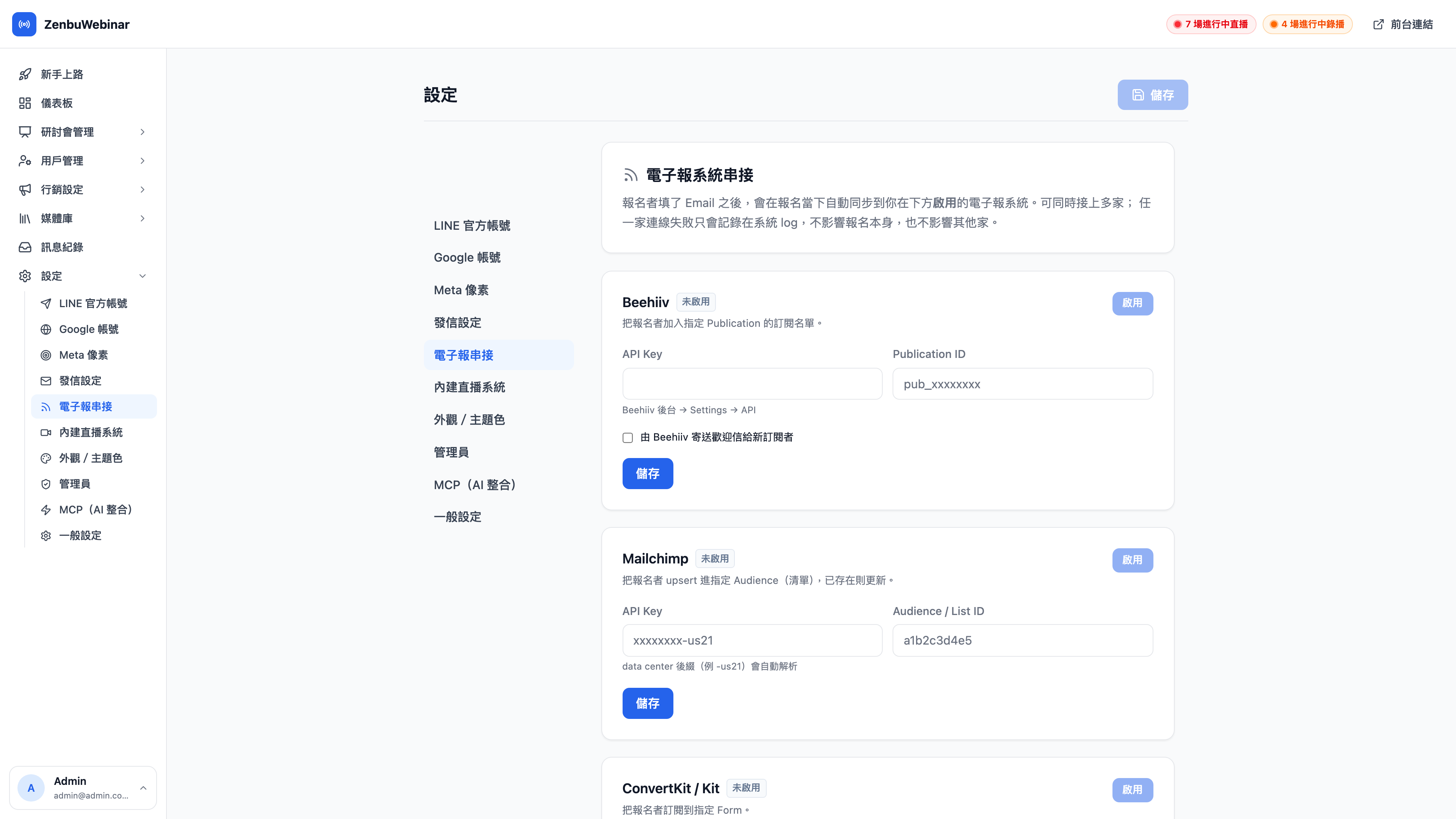
Supported platforms
| Platform | What to enter |
|---|---|
| Beehiiv | API key, publication ID |
| Mailchimp | API key, audience / list ID |
| ConvertKit / Kit | API key, form ID |
Several can be enabled at once, and registrants are sent to all of them.
Question: What's the -us21 on the end of a Mailchimp API key?
It's your data center code. Mailchimp API keys look like xxxxxxxx-us21, and the suffix varies by the region your account is in (us1, us21…). Copy the whole string — the system parses it itself.
Question: Is the sync immediate or batched?
It's sent at the moment of signup. If the other platform returns a failure (an expired API key, say), the record is kept in the message logs rather than being silently dropped.
What happens to people already on the list
The system does an upsert: an email that already exists is updated, and only a new one is added, so no duplicate subscribers are created. For the same reason it does not overwrite the tags and groups that person already has on the newsletter platform.
Where to configure it
Settings → Newsletter integrations in the left-hand menu.